The useful bits
Daily torrent management, thoughtfully assembled.
Planetary keeps common actions immediate and makes deeper controls available when you need them. Capabilities adapt to the server you are connected to, without turning the interface into a wall of switches.
↯
Add torrents from wherever they arrive
Open torrent files, fetch them from a URL, paste a magnet directly into the main window, use registered handlers, or let a watch folder submit files automatically. Choose files and priorities, and set the top-level folder name before adding.
⌘
Three back ends, one interface
Save multiple Transmission, qBittorrent, and Deluge servers, move between them in one window, and import or export server profiles.
◫
Every useful detail
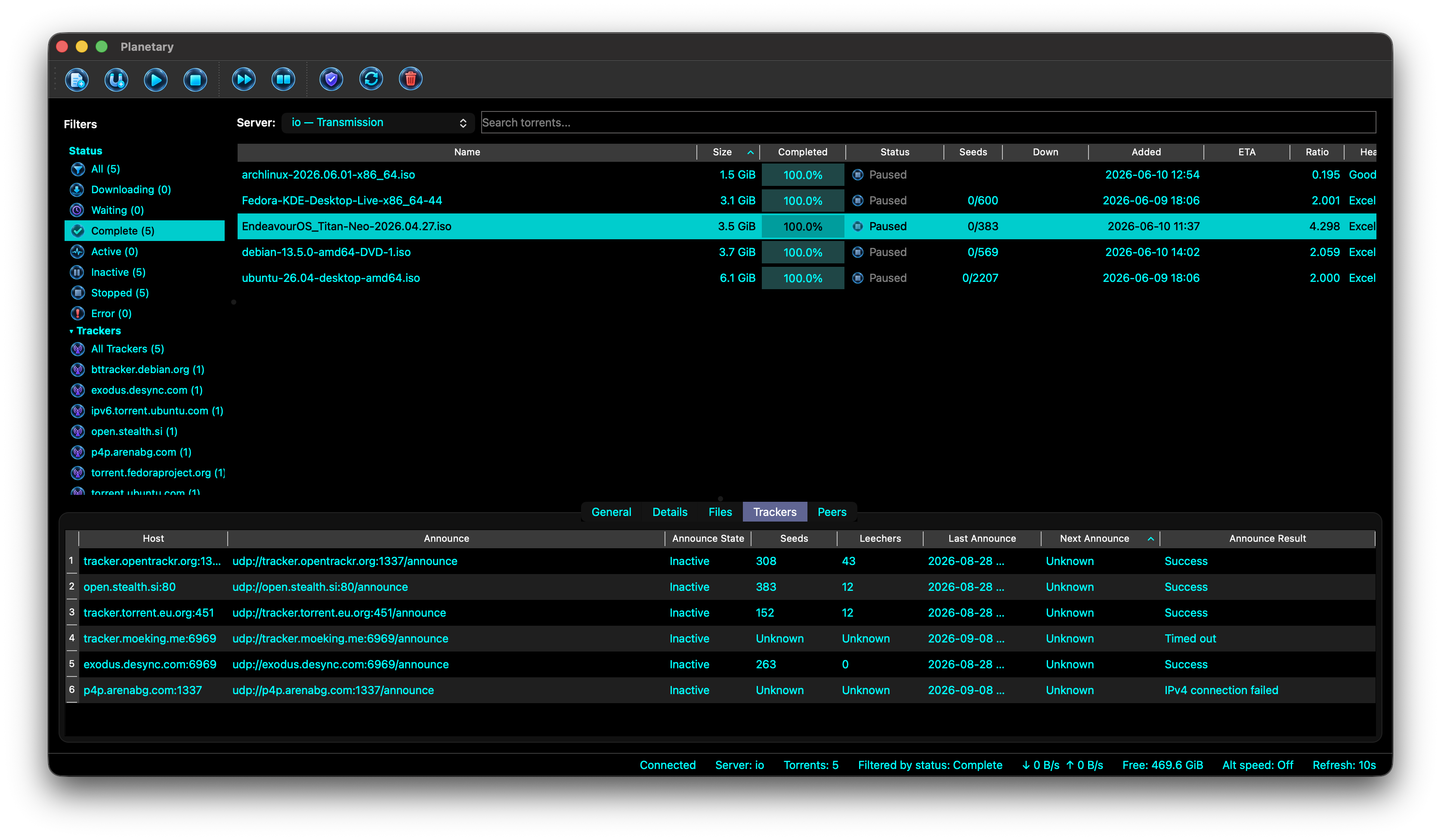
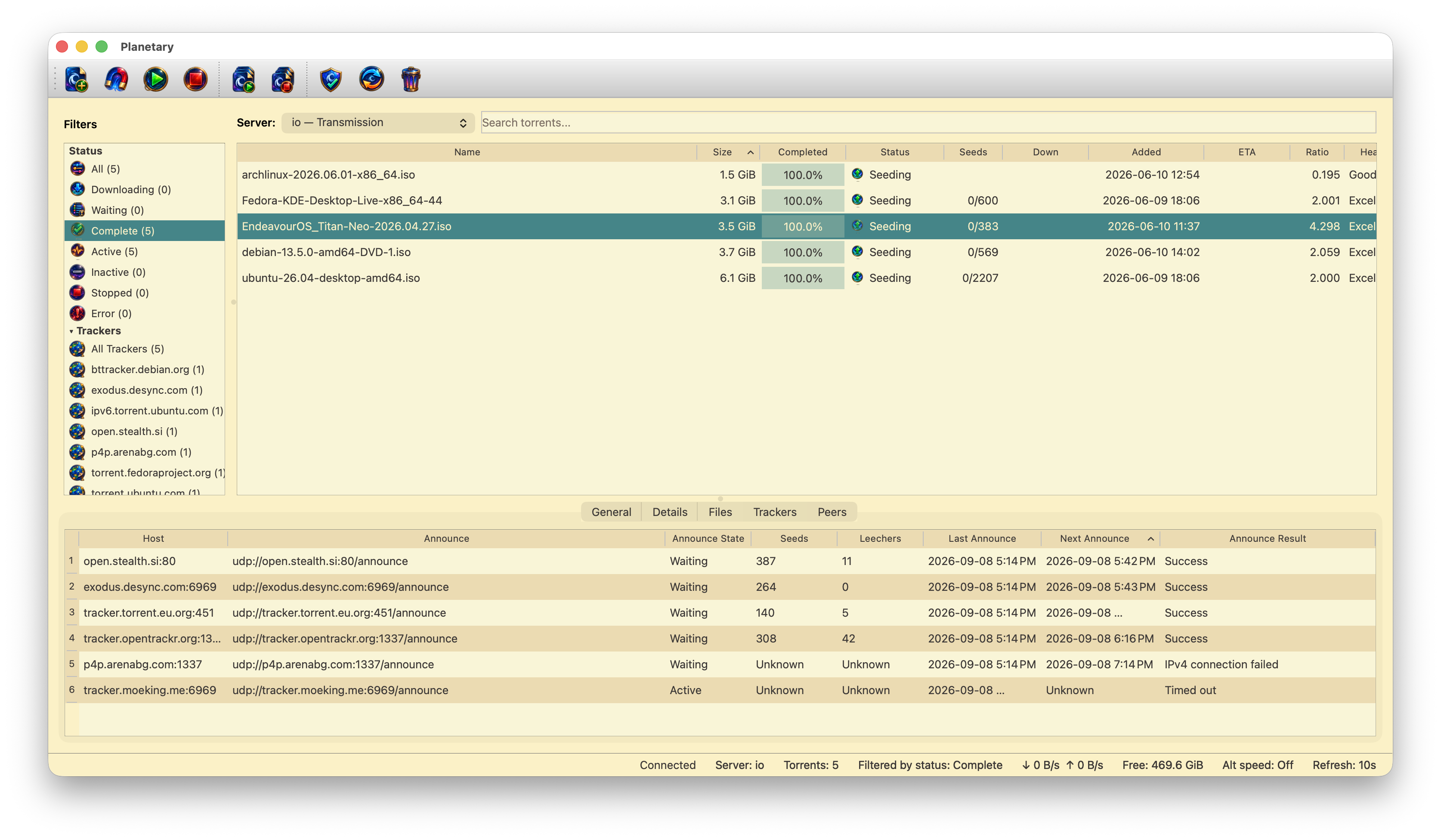
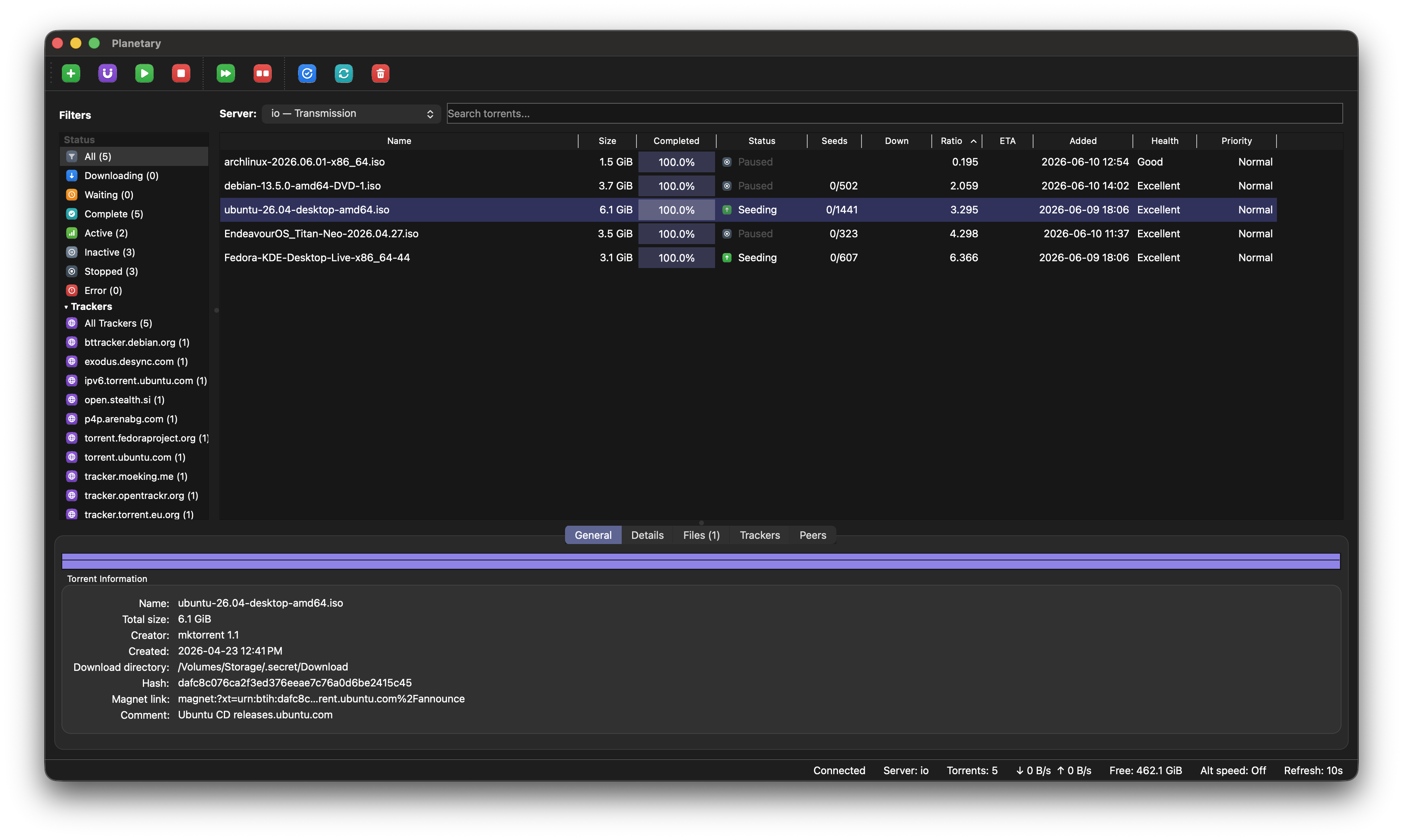
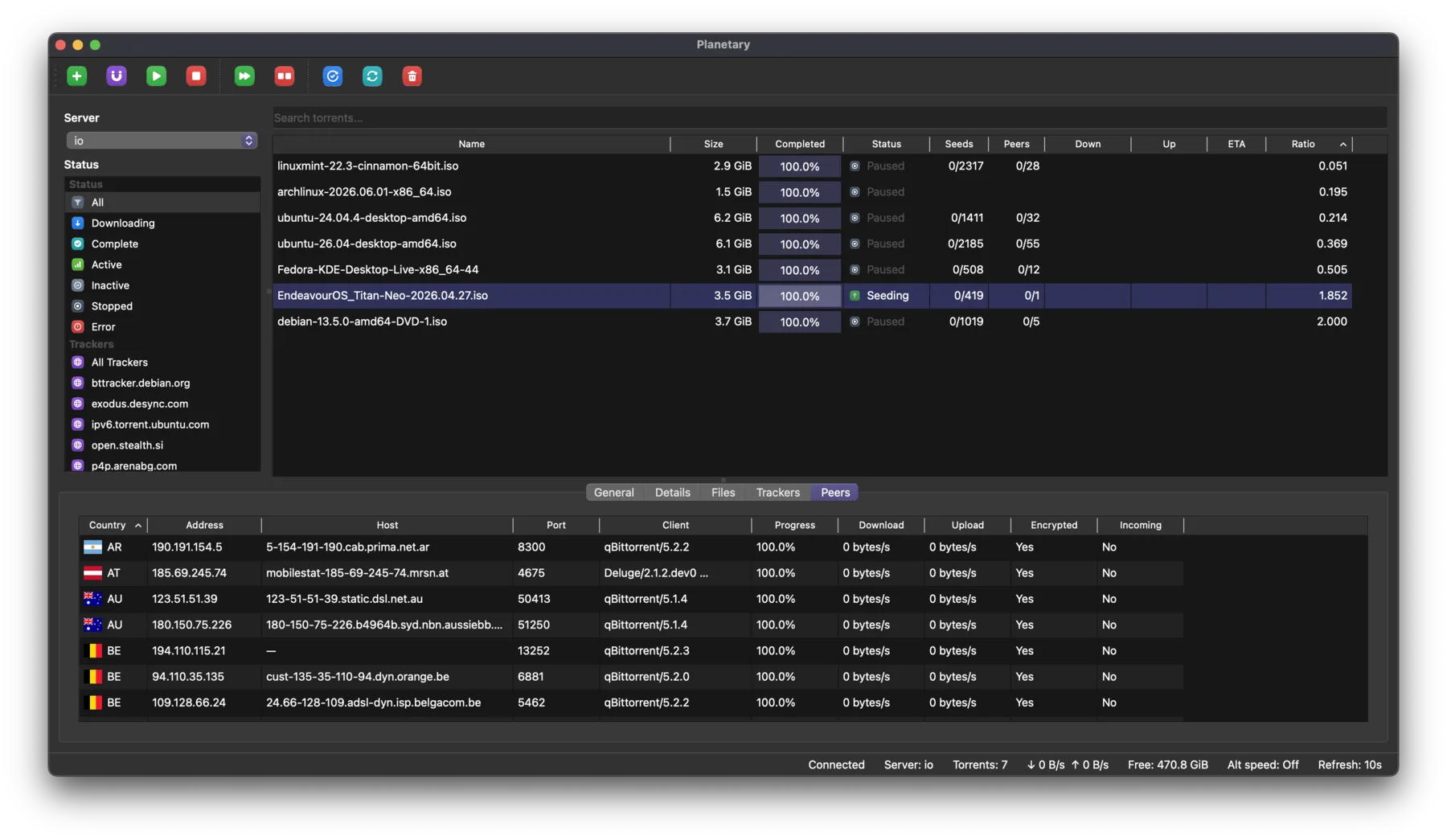
Browse files, piece progress, peers, trackers, properties, transfer statistics, and session information. Edit tracker lists and rename a torrent’s top-level folder where the server supports it.
◎
Fine-grained transfer control
Start, stop, verify, reannounce, reorder queues, relocate data, change wanted files and priorities, and adjust per-torrent limits where the server supports them.
⚑
Organize and find quickly
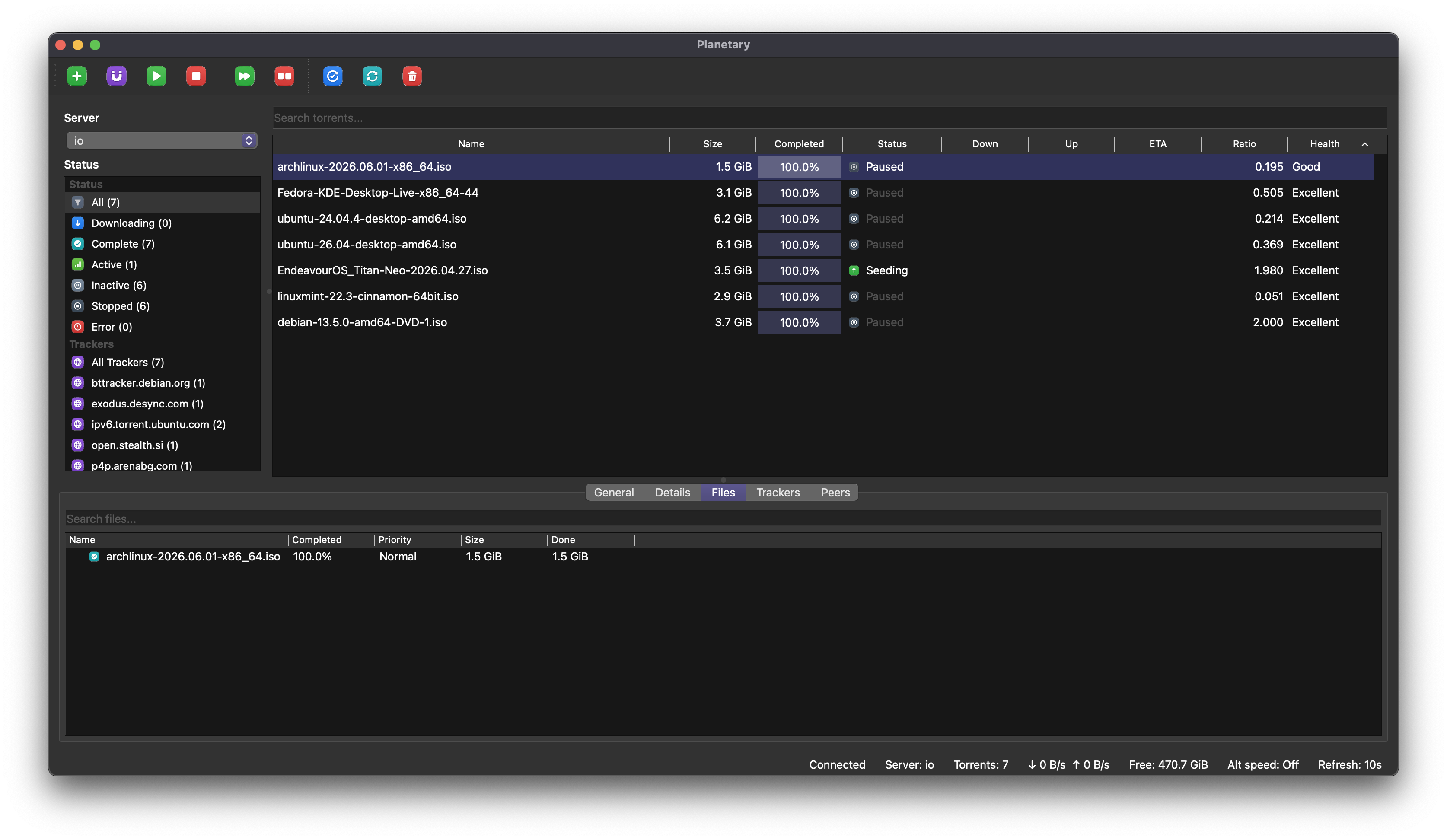
Search by name, filter by state, tracker, or folder, work with labels and groups, customize visible columns, and search within a torrent’s file tree.
◌
Status at a glance
See aggregate rates, free disk space, alternative-speed state, and a live session overview. The activity log separates routine torrent events from warnings and errors, and the app retries interrupted connections.
◇
Desktop-aware notifications
Choose alerts for added, completed, stalled, and error states, delivered through native notifications or an external command. Built-in update checks present release notes inside the app.
≡
Private by design
Planetary includes no telemetry. Optional peer-country lookup uses a bundled local GeoIP database, so addresses are not sent to a lookup service.